
Optimise Your Business with On-Hand Data
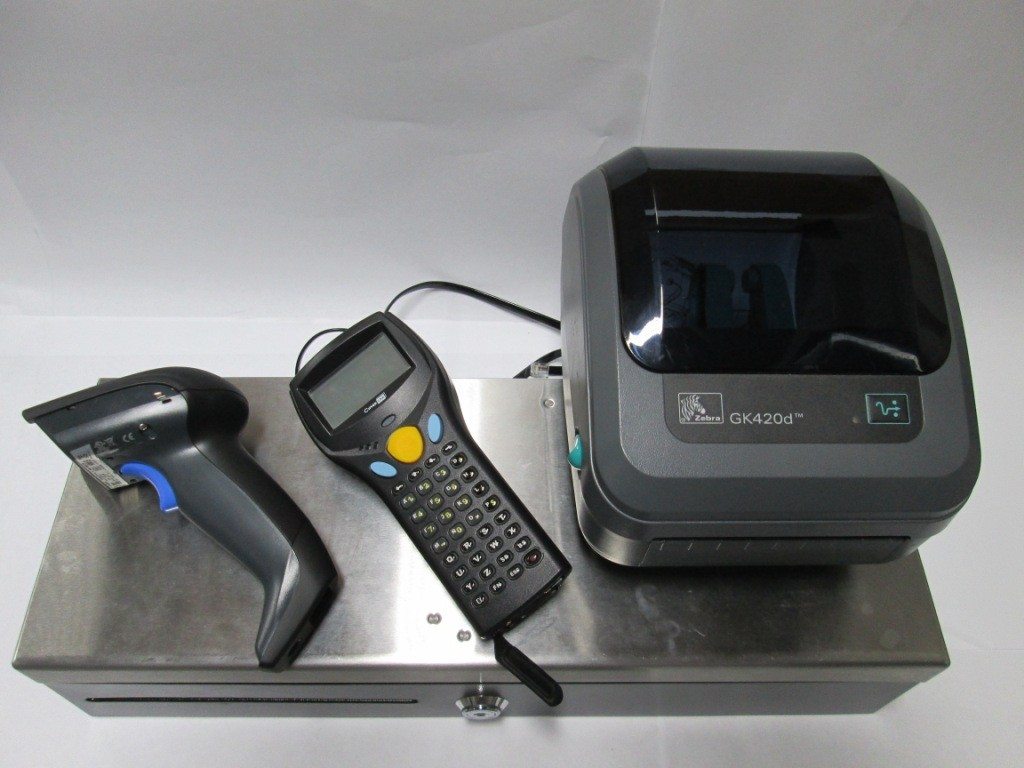
Use your POS system to take charge of your inventory
It’s that time of the month again; you know, when stock controls your every waking nightmare. It’s when you need to find out what happened to that crate of tomato sauce, where that R10 000 worth of stock went and why your stock sheets are not adding up. Unless you have an inventory management system that is optimised to meet your stock needs, chances are good that your current stock take system will age you by ten years.
You company doesn’t need to lose money on stock and your staff don’t need to struggle with frustration; inventory management really does not need to be such an uphill battle anymore. Here are a few tips on how best you can optimise your business with data from an on-hand POS system that does all the work for you.
One-click price changes
Synchronised POS systems allow you to change prices at the click of a button. Now you can save time, and money. Instead of sifting through reams of paper to find the mark up, the sale price or any other percentage and deduction pertaining to every product, you can store it all in your POS. The software is based on a formula that automatically calculates prices, based on your input, and allows you to make changes without adjusting previous pricings.
Cross checkers
One of the most frustrating parts of stock management is struggling to understand where stock has gone. You can optimise your POS system to keep accurate records of your physical stock by cross checking current stock with invoices and purchase orders. All of this information is programed into your particular software. This way, you know when to reorder stock and when you have enough. There is no longer any need to count stock one item at a time, one aisle at a time.
Popular products
You can easily see which products are winning the popularity contest, and which are not considered real options by consumers. An optimised on-hand POS systems allows you to know which items you should have in stock at all times. You can also make calculated decisions regarding re-stocking your shelves with more of one item and less of another.
Automated Orders
Now that you know what your consumers like, and your systems are optimised with all inventory records, you can simply place re-orders at the touch of a button. No more comparative sheets, imbalanced figures and misfiled order sheets. An automated order system allows you to focus on ensuring your business is stocked with what your consumers like the most.
For more information about POS systems, contact the experts at Arch Software.